Filed under
Date published:
September 13, 2023
My Honest Review of Web Designer Library: A Showit Canvas Library for Designers
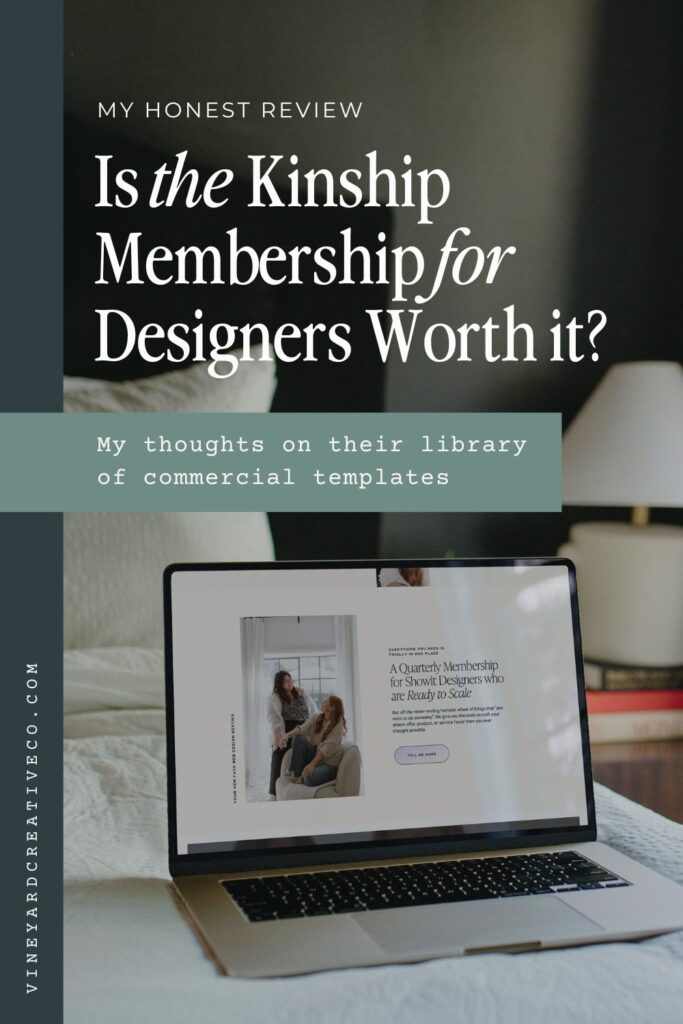
Today I’m sharing one of the biggest investments I’ve made in my business to date: The Kinship by Jess and Charis at Web Designer Library. This membership is one part Showit Canvas Library, one part educational resource, and one part networking community. I’m going to wait to give you my final thoughts until the end of this post, but *spoiler alert* they’re all 100% positive!
📌 PIN FOR LATER 📌
I’ve been a member of the Web Designer Library since they first opened their doors in April of 2023. I had just been burned by a popular and pricey commercial-use Showit canvas kit that I purchased from a well-known designer. When I started using the canvases it was clear very little thought or effort had gone into creating them. They were poorly made and all had the same style—not great for a designer who works with a variety of different brands.
Somehow in my search of the interwebs, I stumbled across the Web Designer Library: a membership for Showit designers featuring commercial-use canvases, full website templates, mockups, and more. I was intrigued, but a little wary given my recent bad experience. However, I hopped on the waitlist just in case. As Jess and Charis slowly unveiled some of the resources that were going to be available in the membership, I became increasingly interested. I even put “WDL Launches” on my Google Calendar, because I knew I did not want to miss out when it opened.
Web Designer Library: What’s Inside?
I joined Web Designer Library expecting just a library of canvases and templates to speed up my design work and template creation, and wasn’t really expecting much more. Much to my delight, Jess and Charis have packed the membership with so many resources, education, and goodies, it’s hard to even keep track of them all.


Here’s what’s included in Web Designer Library as of the writing of this post (and they’re adding new things constantly!):
- 470+ Commercial-Use Showit Canvases (with 15+ more dropping each month)
- 14+ Full Showit Website Templates (designed for client work and semi-custom services)
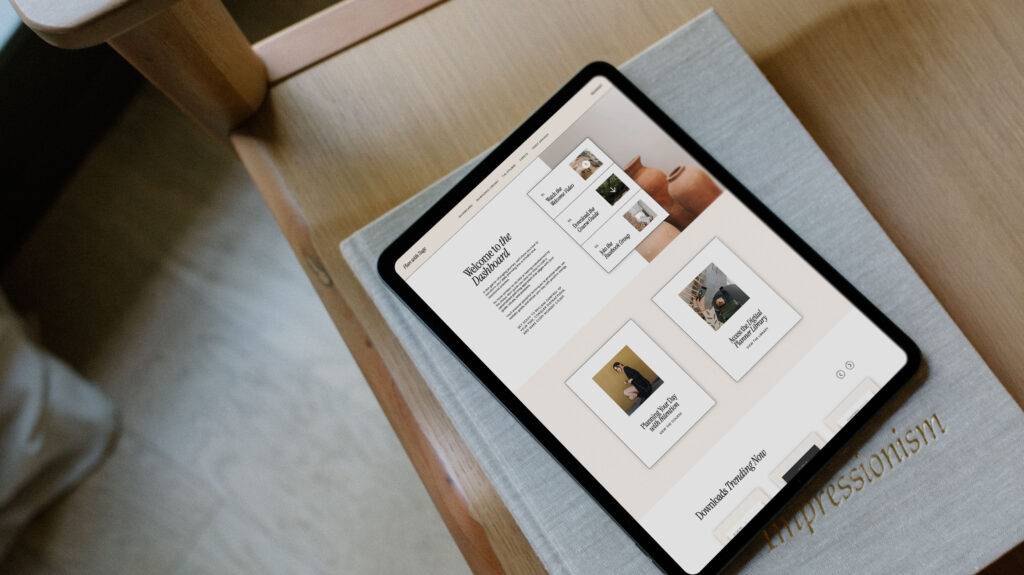
- 10+ Add-On Pages including a membership dashboard, shop, podcast page, sales page, and more
- 2+ Flip Kits – A WDL original, part page, part canvas, designed to help you quickly niche or reposition any site
- Full access to Kinstock’s entire mockup library (277+ mockups and growing!)
- A private Circle community with direct access to Jess and Charis
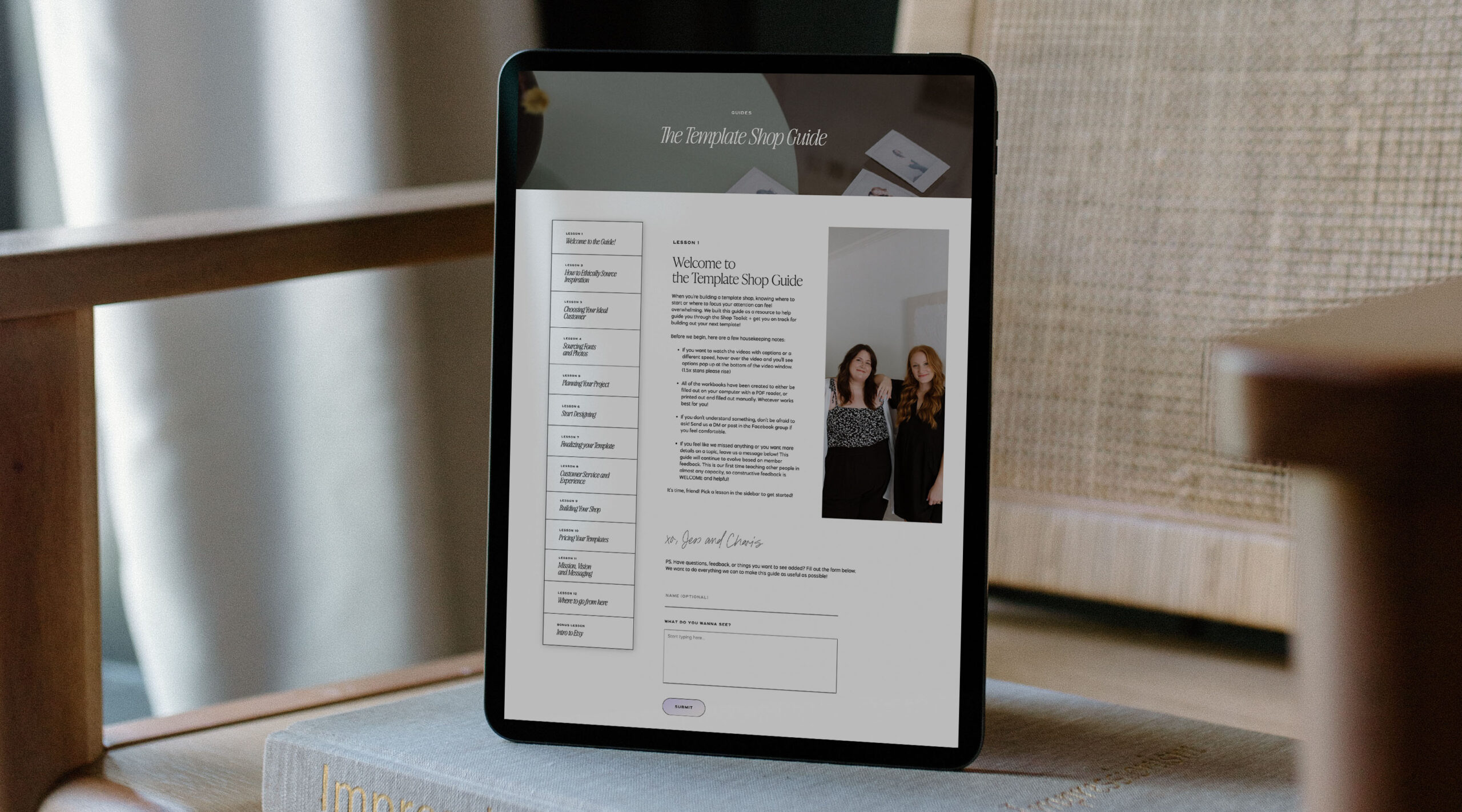
- Training curriculum to help you plan, build, and launch templates
- Video tutorials and custom code snippets to take your designs even further
- And a growing stash of tools, trainings, and shortcuts to make your day-to-day a whole lot easier.
Phew! That’s a lot. I’m going to break down each of these resources below, but if you’re like me your appetite is whetting just looking at that list.
Commercial-Use Showit Canvases Database


If you’re like me and DREAM of opening a Showit template shop (shhhh… it’s coming soon!) but just don’t have the hours upon hours of time to dedicate amidst client work and marketing, this is for you.
These canvases are plug-and-play building blocks for Showit—modular sections like about pages, pricing layouts, galleries, and opt-ins that can be dropped into any design. You can use them in both client projects and templates (Yes! For resale!)
I’ve used them on my own site and client work, and they cut my time in half—at least. They’re already optimized for desktop and mobile, and the styles feel modern, fresh, and varied. Jess and Charis are always adding new layouts that spark ideas, and I never worry about my designs looking too templated. They just give me a solid starting point so I can make it my own.
Full Showit Website Templates for Client Work (Plus Add-Ons You’ll Actually Use)
They really outdid themselves on this one! The membership includes access to full website templates that are built with real service providers in mind. They’re perfect for photographers, coaches, podcasters, designers—you name it.
I love using them as a base for semi-custom client projects, or to speed up full custom builds without starting from scratch. Each template has a different tone and layout approach, which makes it easy to pick one that fits the client.
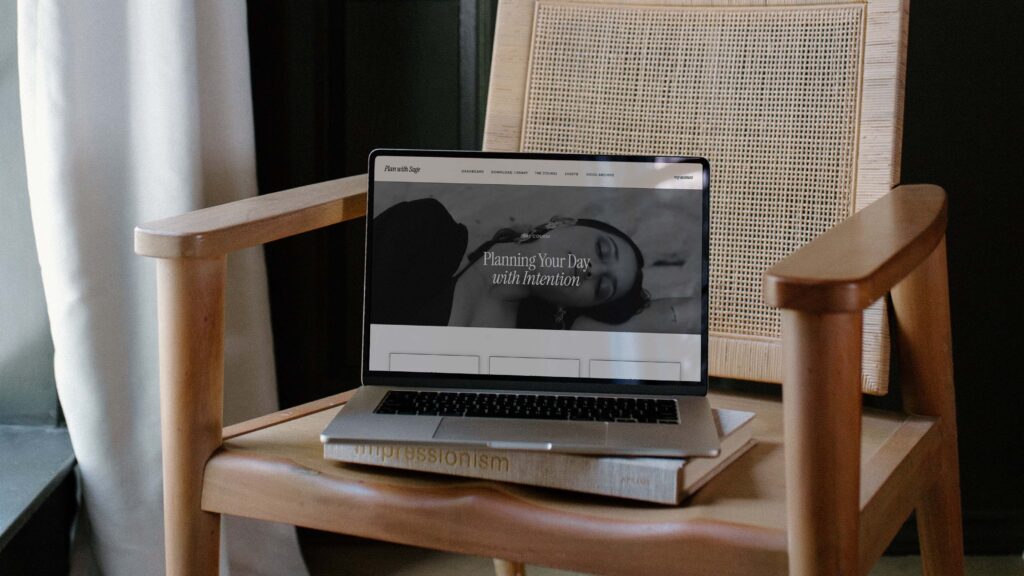
The add-ons are equally helpful: shop pages, opt-ins, pricing sections, podcast layouts, and even a full membership dashboard setup (yep—with MemberSpace walkthroughs included!). I’ve used these to streamline my Website in a Week service and my own site, and they’ve helped me keep things moving without compromising quality.
Kinstock Mockups

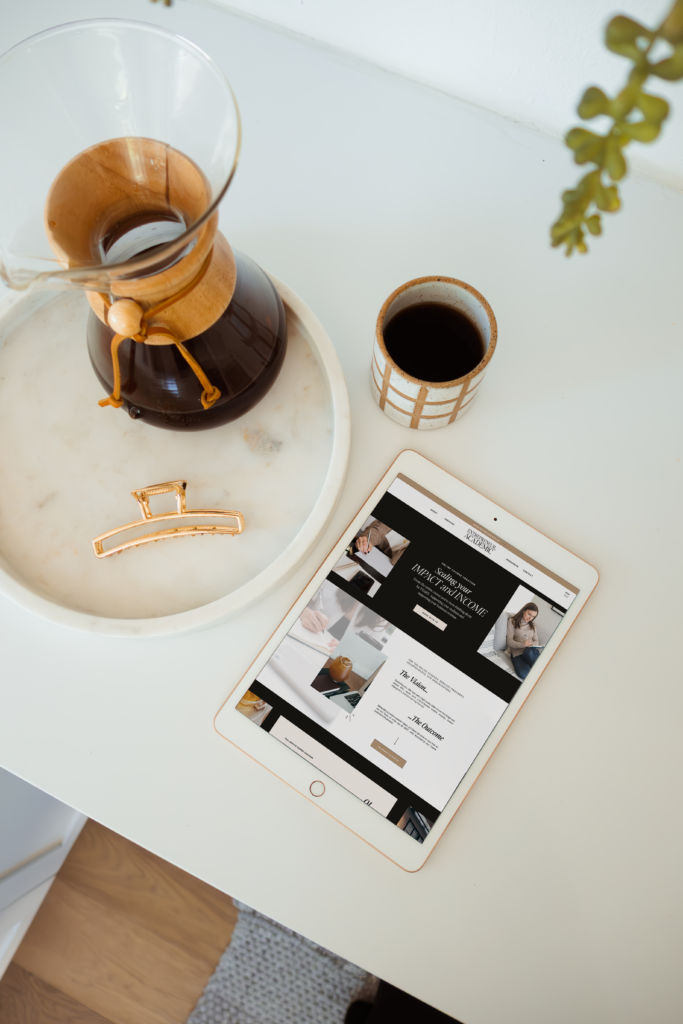

I never expected that these mockups might be one of my FAVORITE resources inside the membership! Having professional, unique mockups that fit with your branding can really elevate your marketing, and give the perfect backdrop to showcasing your client work.
I’ve used these to share my portfolio, create polished Instagram posts, and show off my digital products. Literally every photo in this blog post is created from their mockups. Each collection is styled with a different feel, so no matter your niche or vibe, you’ll find one that works.
An Incredible Community
Have you ever joined a course or membership where the founder never engaged or interacted with any posts—or the community was just kind of dead, and no one participated? Yeah, me too.
That’s why I was honestly astounded by the virtual hospitality and care Jess and Charis show to each of their members. I can honestly say I’ve never felt so supported by any membership or online course.
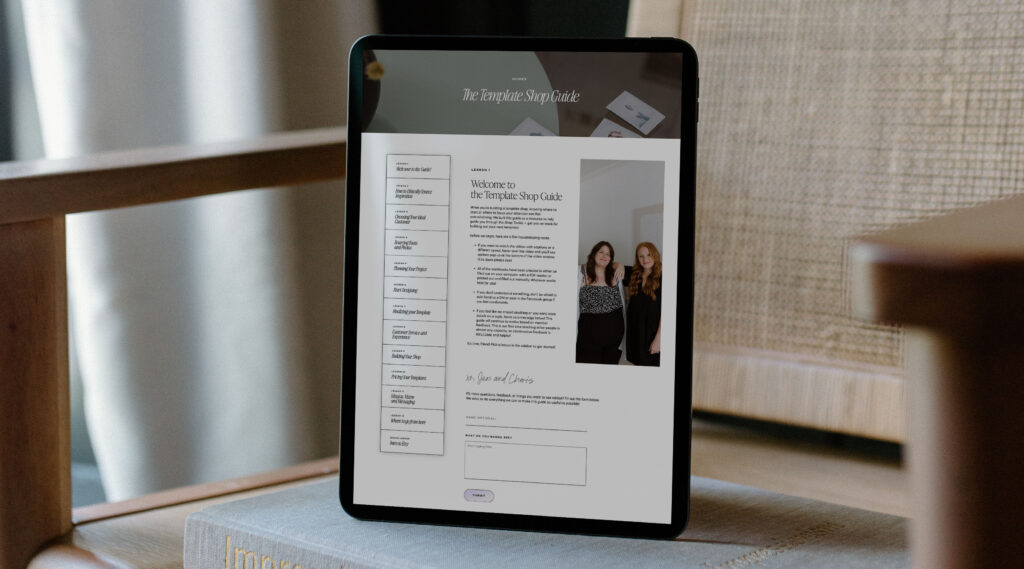
Jess and Charis roll out the red carpet for their members, are our biggest cheerleaders and fans, and provide an intimate and personalized level of support that is unmatched.
Need feedback on a template or client site? They’re there to give you a detailed Loom review. Frustrated or discouraged in your business? They’re there to give you encouragement. Have an exciting win to share? They’re the first to celebrate and give you high-fives. I truly did not expect this level of community and support inside Web Designer Library, and it’s been a wonderful safe place for me during a time of scaling that can feel intimidating and scary at times.
Bonus Resources:
Inside the Web Designer Library Circle community, you also get access to a full suite of bonus resources built to support your design business—whether you’re focused on client work or building your own shop. These aren’t fluff—they’re practical tools and training that help you save time and create better results.
Some of my favorites:
- The Frame Starter Template (to wireframe your site faster)
- Template Customization Proposal for Showit (perfect for semi-custom workflows)
- ChatGPT Filler Copy Workbook (no more copywriting blocks!)
- Training curriculum that walks you through building, pricing, and launching your templates
- Video tutorials + code snippets to add interactive elements to your sites (image scrolls, hover effects, animated counters, etc.)
- Launch with Confidence training – a commercial-use course you can share with your own customers to guide them through using their template with Showit
- Pre-built client delivery page – ready to plug into your client workflows for offboarding or post-purchase support
Everything is easy to access, beautifully organized, and created to help you take action—not just consume content.
The Cost: Is It Worth It?
In case you hadn’t noticed, I am a HUGE fan of Web Designer Library. I have personally made back my investment MULTIPLE times over, and the amount of time I save makes the investment more than worth the cost.
If you are doing custom work that takes weeks and weeks to complete, think of the hours you’ll save by having access to a library of high-quality templates that’s constantly increasing so you’re continually inspired. And if you’re wanting to build templates, but the time commitments seem overwhelming, the canvas collections will easily save you dozens if not hundreds of hours creating layouts.
Grab Access to Web Designer Library and a Special Discount Code
Jess and Charis have graciously given my readers $50 off their first payment with my affiliate code: WDL50. I’m so genuinely pumped for my fellow designers to experience all the incredible resources Web Designer Library has to offer! I’ll see you inside!
*This blog post may contain affiliate links. I never recommend anything I don’t personally love and use myself for my clients or in my own business!
Some links across my website may be affiliate links, meaning I receive a portion of any sales made through them. I never recommend any product or service that I don't wholeheartedly believe in and use in my own business.
